
A trunk group is the foundation of your voice network connection with Trunking.io. They act as the “bridge” that routes inbound and outbound calls. Each trunk group has its own authentication type, rate deck, and configuration settings, giving you full control over how traffic flows between your PBX and our platform.
Why Trunk Groups Matter
- Managing traffic at the trunk group level allows you to:
- Organize call traffic by customer, product, or use case.
- Apply the correct rate deck to the right set of calls.
- Ensure authentication aligns with your PBX setup.
- Stay compliant with industry requirements such as STIR/SHAKEN.
Where to Find Trunk Groups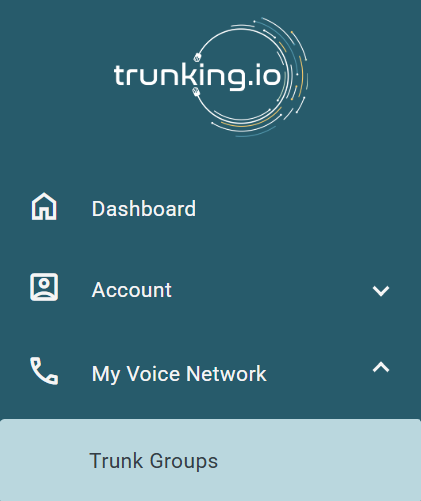
Navigate to My Voice Network > Trunk Groups to view all of your configured trunk groups. Here, you’ll see details such as:
- Trunk ID
- Name
- Authentication Type
- Rate Deck
Key Settings
When creating or editing a trunk group, the following fields are available to configure:
- Trunk Group Name – A label you’ll easily recognize (e.g., Production PBX).
- Channels – The number of simultaneous calls supported.
- Auth Type – Choose between IP or SIP authentication.
- Rate Deck – The outbound pricing profile applied to calls on this trunk.
- Inbound STIR/SHAKEN Header – Select Passthrough or Verstat depending on compliance needs.
-
International Termination – Enable if this trunk should support international traffic.
Common Questions
-
What’s the difference between IP and SIP authentication?
- IP Authentication ties access to your PBX’s IP address.
- SIP Authentication requires a username and password.
-
Do I need multiple trunk groups?
- Yes, if you want to separate customers, products, or routing policies.
Comments
0 comments
Please sign in to leave a comment.